InsightStudio does not execute apps itself. It keeps the queue, the record of every run and the stream the browser watches; the work is done by InsightWorker daemons on machines you choose. The design choice that shapes everything else is the direction of the connection: workers call Studio, never the other way round. A worker needs outbound HTTPS to Studio and nothing inbound, and the credentials it uses for your systems never leave it.
1. A worker joins the farm
A box becomes a worker by running insightworker --worker --studio <url> --token <bearer>. On start it
registers with a stable id (kept across restarts), its hostname, a role (runner, author or
both), the skills it has installed and a capability list such as which credentials it holds. Registration is idempotent
on the id. From then on it heartbeats about every ten seconds. Studio marks a worker offline once it has been silent
for 30 seconds, and a later heartbeat brings it back.
2. Someone presses Run
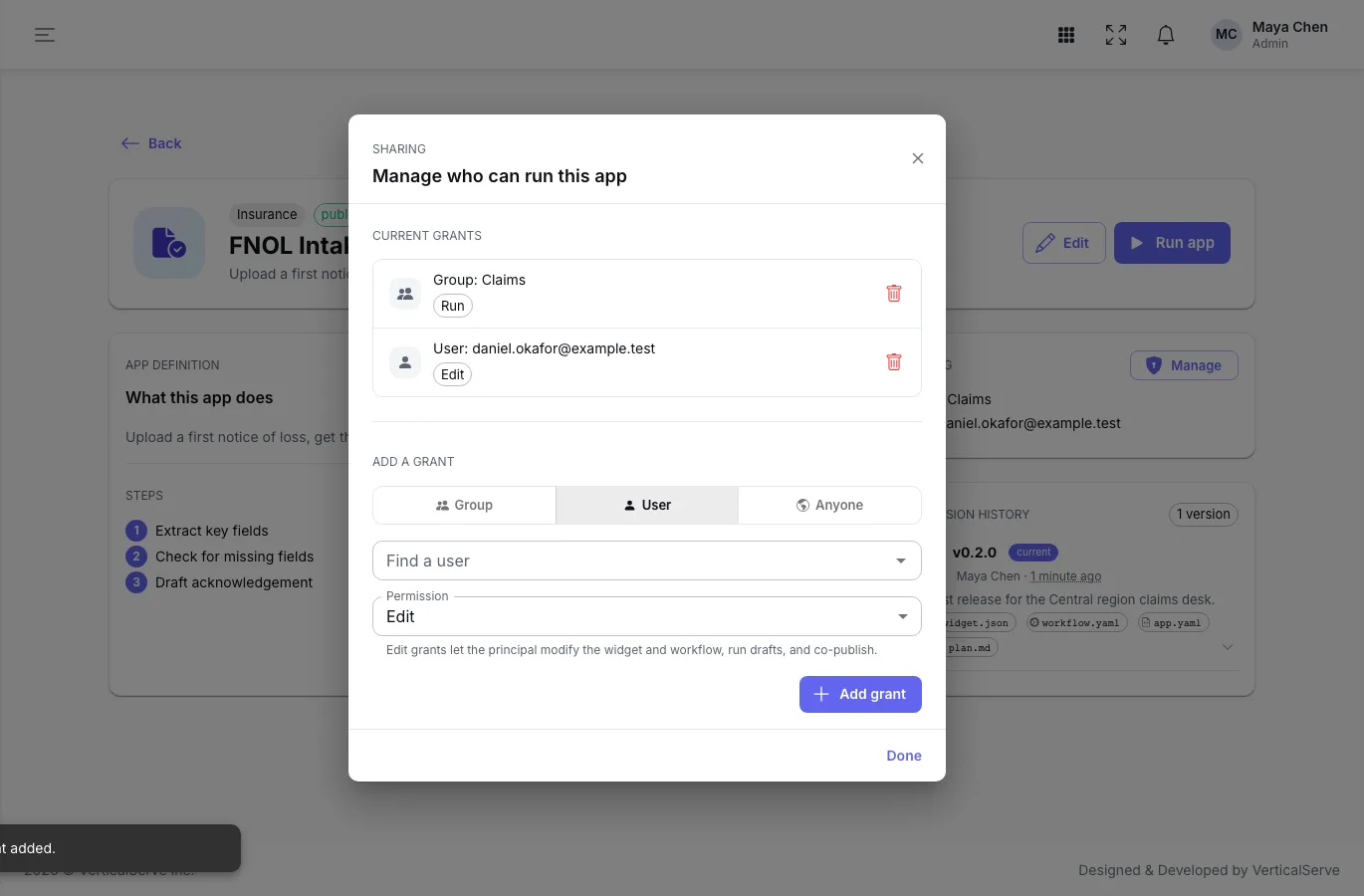
Studio first checks the person may run the app (owner, administrator, or a grant; drafts need an edit grant). It then writes an
AppRun row with the inputs, the person and the exact version being run, in the queued state, and
returns a run id. The browser opens an event stream for that id and starts showing the run log.
3. A worker claims it
Idle workers poll about every two seconds. A poll looks for the oldest queued, unclaimed run and claims it with a
conditional update: set this worker's id only if no worker id is set yet. If two workers race for the same run, one update
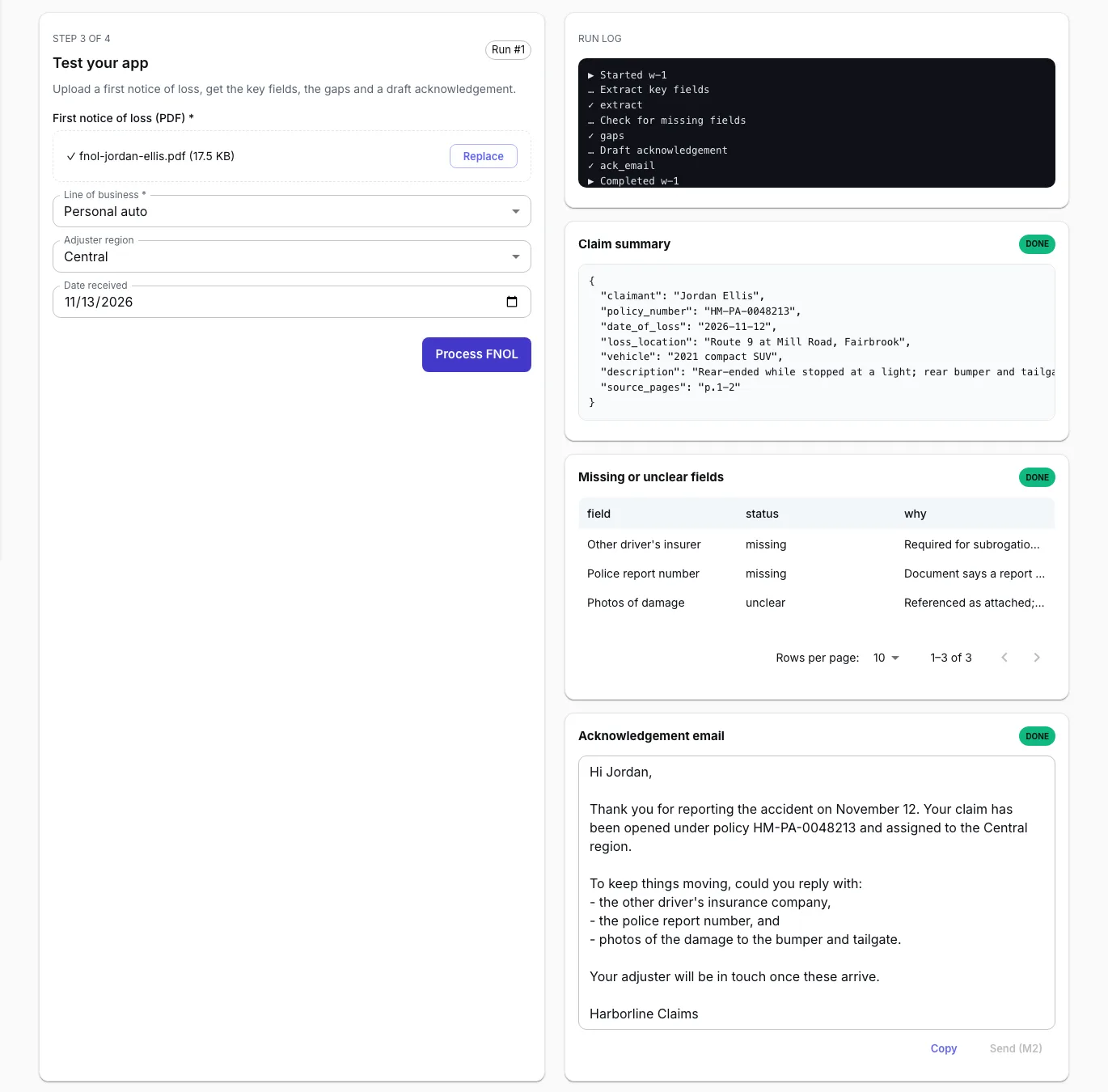
succeeds and the other affects no rows and simply polls again. The winner gets back the run id, the app and version, the form inputs,
the widget and a reference to the bundle (its location in the shared bucket when one is configured), and Studio moves the run to
running and the worker to busy. Only workers whose role is runner or both may claim.
4. Events flow back
As the agent works, the worker posts each event to /runs/<id>/events/ingest with a sequence number:
started, step_started, step_completed (carrying that step's output), step_error,
log, and finally completed, failed or cancelled. Studio appends each event to the
run's event table and updates the run row in the same commit: outputs are merged by step key, errors are appended, and a terminal
event sets the final status and finish time. Late events for a run that has already finished are archived as log entries and do not
change its status.
5. The browser sees it live
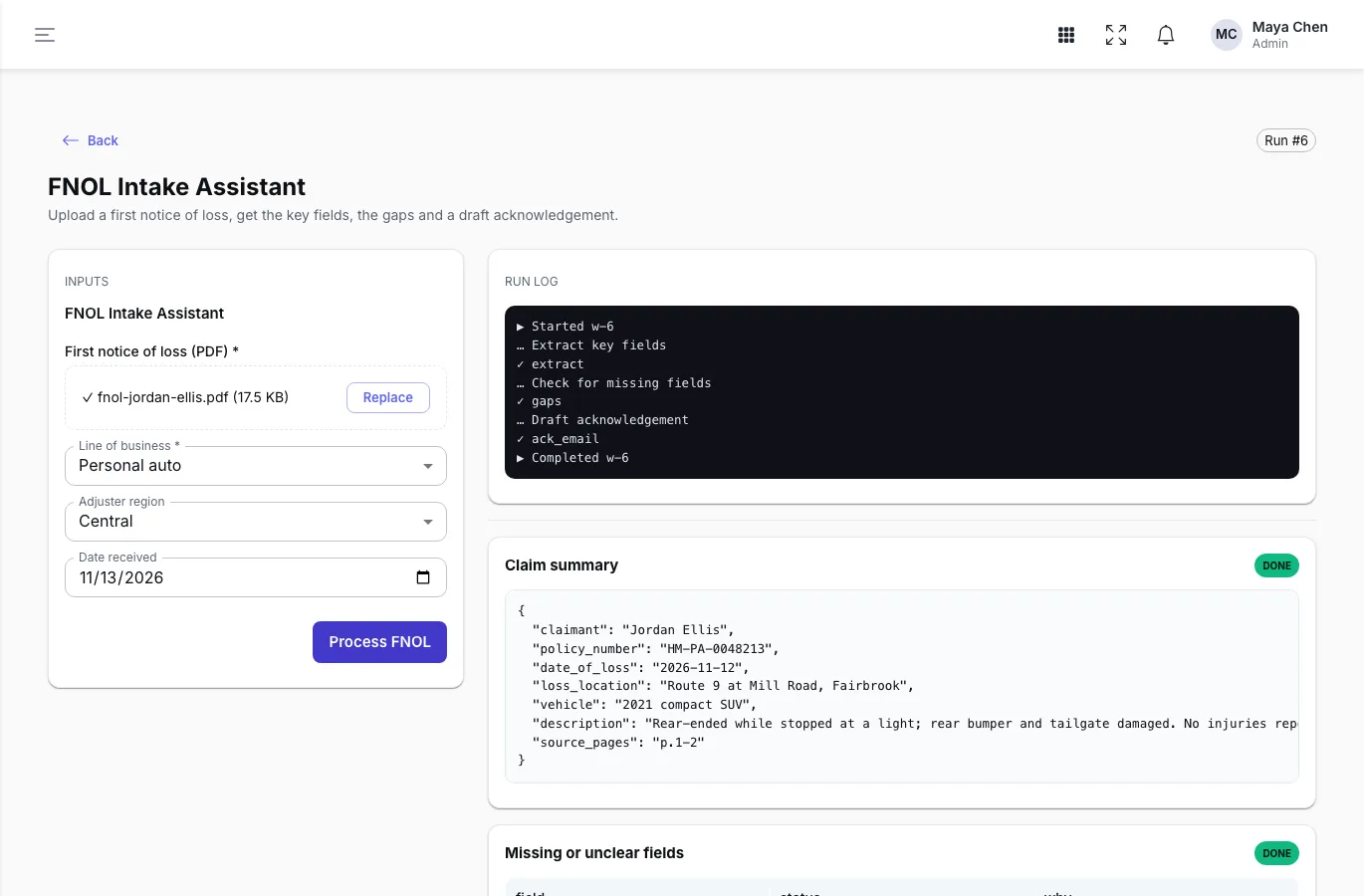
The browser's stream is served by a relay that tails the event table for that run, a few times a second, and forwards new rows as server-sent events. Because it reads from the table rather than from the worker, a person who opens the page after the run started still gets every event from the first one. The relay closes when it sees a terminal event, when the run row reaches a terminal state, or after ten minutes without any event, in which case it marks a still-running run as failed with "worker dropped?".
Cancelling
When the person presses Cancel, Studio marks the run cancelled. The worker learns about it on its next ingest: every
acknowledgement carries a cancel_requested flag, so the daemon can stop at the next step boundary without a separate
channel.
When no worker is connected
If no worker is registered and live, Studio does not leave the run hanging. The relay runs a built-in stub that walks the app's declared steps and produces placeholder output of the right shape for each panel, writing every event through the same table. That keeps the builder's test step and the run history usable on a fresh install. It is clearly a stub: the outputs say so, and nothing touches your systems.
What to know before you rely on it
| Behaviour | What it means for you |
|---|---|
| Runs go to qualified workers. | Workers advertise their skills and credentials when they register, and Studio matches them to what an app declares. Register each worker accurately. |
| Events arrive over the worker API. | Issue worker tokens carefully, one per worker, and keep the API on your network. |
| Runs are claimed oldest first. | A long queue behind one app delays the others, so size the fleet for your busiest app. |
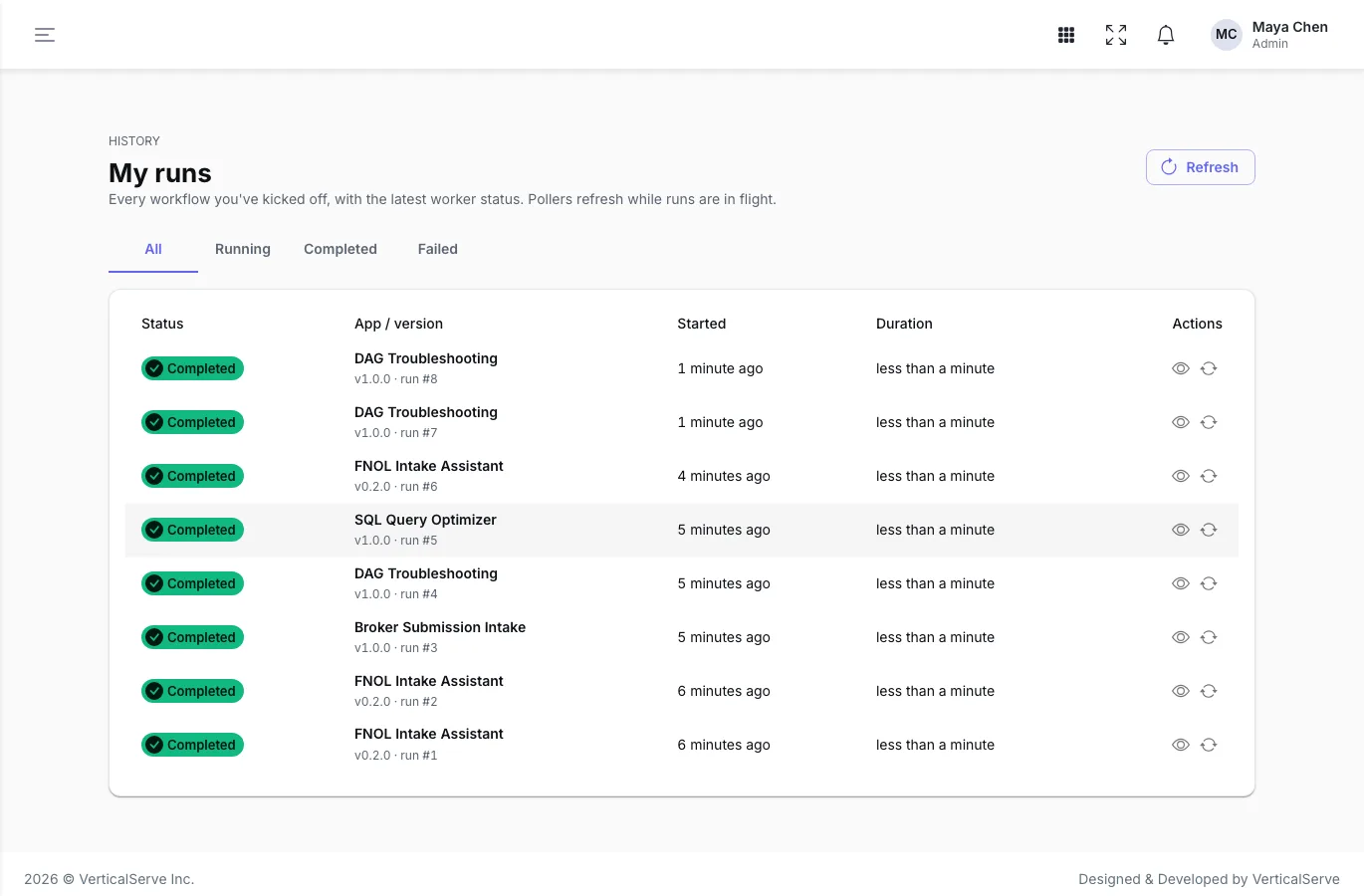
| Every event is stored. | The run history doubles as a record of what each version produced, including failures and cancellations. |